Bit Quirky · Unity documentation
Make games visually. The code writes itself.
Wire boxes together on a canvas and real code lands in your Unity project. Start from scratch, from a script you found, or, if you want, from code an AI wrote. Type, drag, or both; either way you end up with working gameplay.

Three ways to work
Build gameplay from scratch, visually
Wire up branches, loops, and calls on the canvas. Round Trip writes the code: ordinary C# you can share, integrate, or hand to a programmer.
Build your first methodWork with a colleague, human or AI
They write the code. You open it on the canvas and see what it does. Tweak it visually, Round Trip updates the code, and they take the next pass.
See what a colleague wroteUse third-party code, visually
Drop in a snippet from a tutorial, a forum, or an asset and open it on the canvas. Because Round Trip works on real code, it works with everything.
Open a class you did not write
Code, canvas, or both
Most visual scripting tools keep your logic in their own format and run it through their own runtime. Round Trip writes C# to your project and reads C# back. The C# code remains the single source of the truth. Type a line in your IDE and the matching node appears. Drag a value on the canvas and the banner says you are previewing. Press Compile and one line of C# changes. Delete the package tomorrow and your game still compiles.
Four node families
Every card belongs to a family. The color tells you what job the node does before you read its label.
Start from where you are
The canvas reads the same way whether the code came from your own nodes, an assistant, a download, or a teammate. The tutorials begin from the situation in front of you.
A fresh game
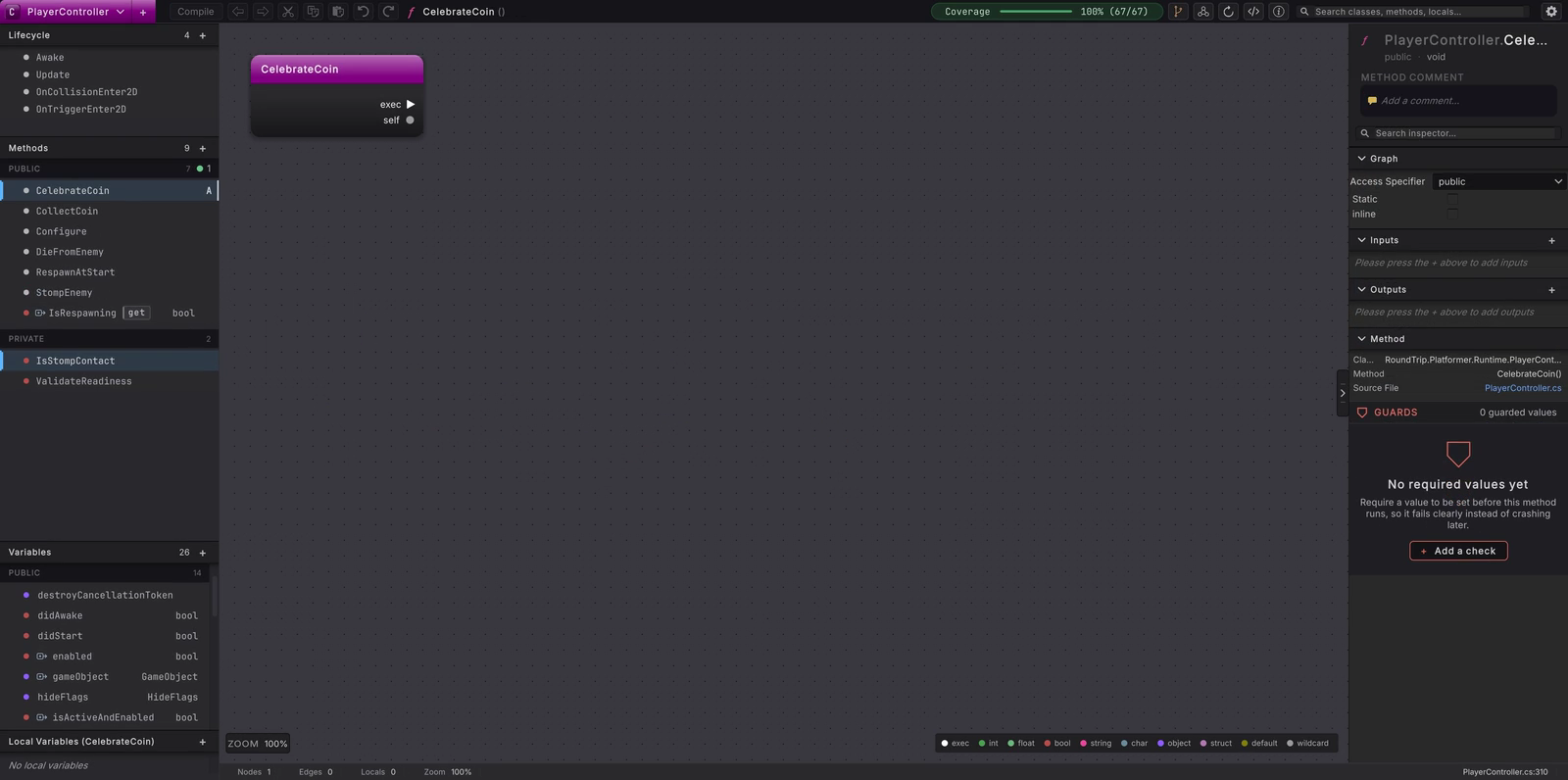
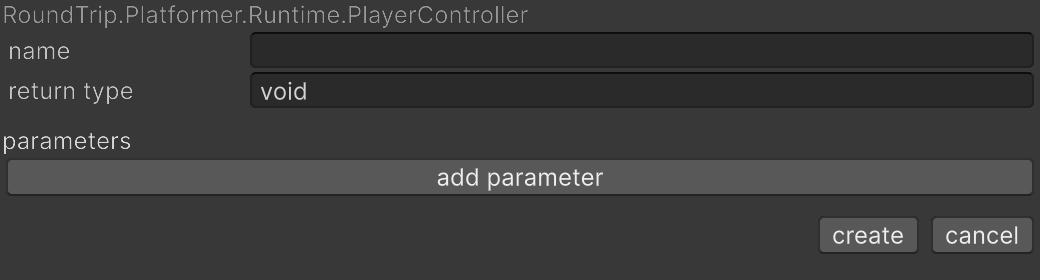
You have an idea and no scripts yet. Make a class, make a method, and build the body out of nodes.
An AI wrote it
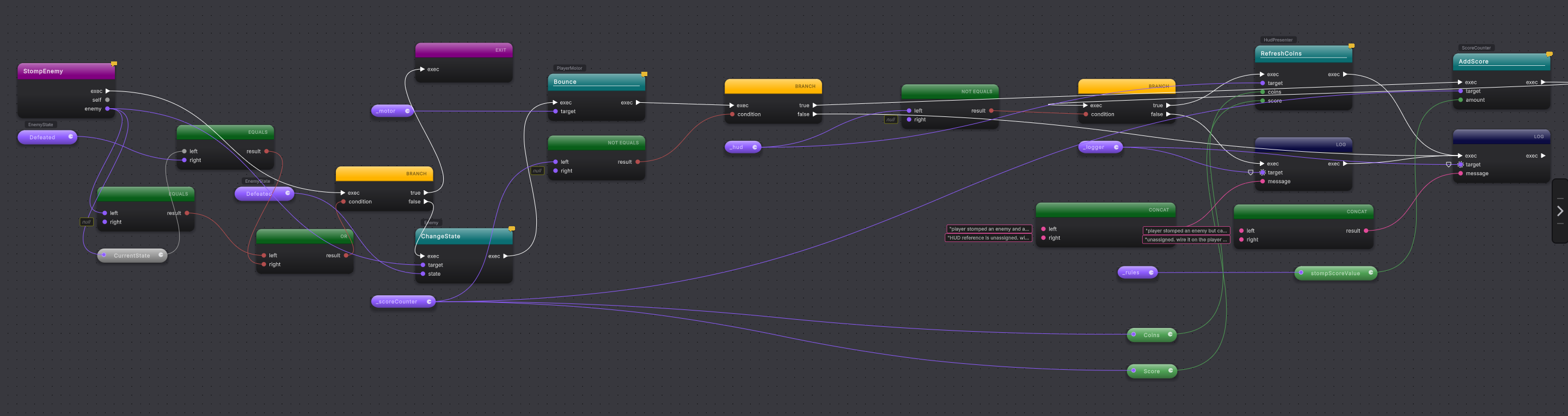
An assistant edited your scripts. Open the changed methods, read the new branches and calls, keep them or revert them.
Someone else wrote it
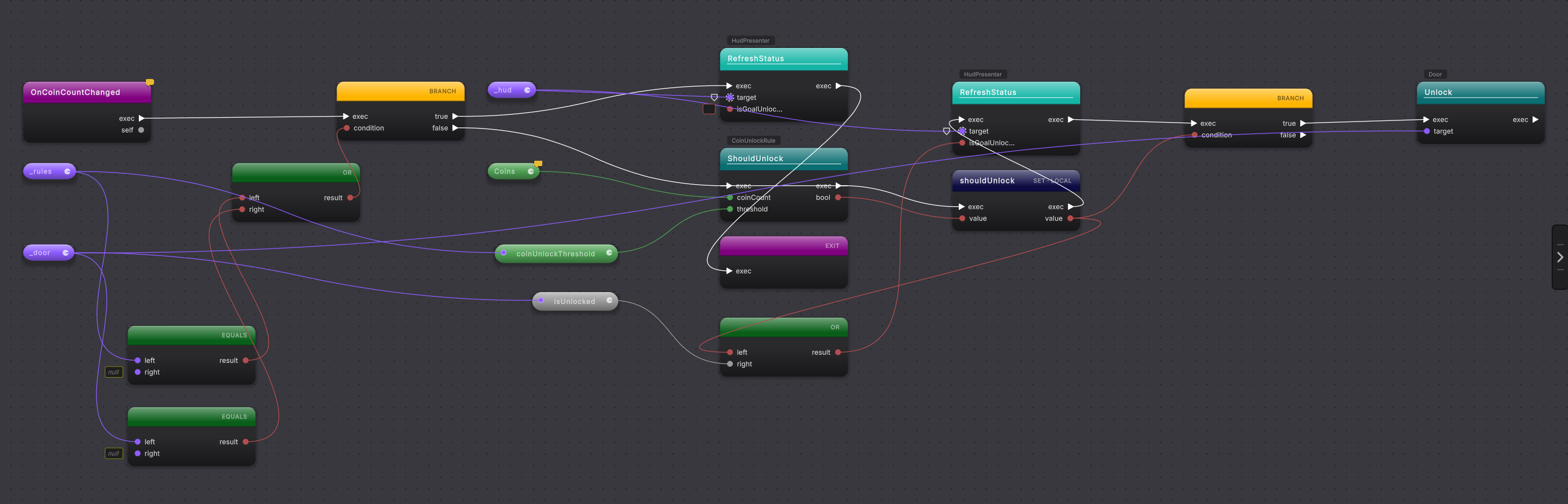
A script from a tutorial, an asset, or an old project. Add its folder and read it as a graph before you change a thing.
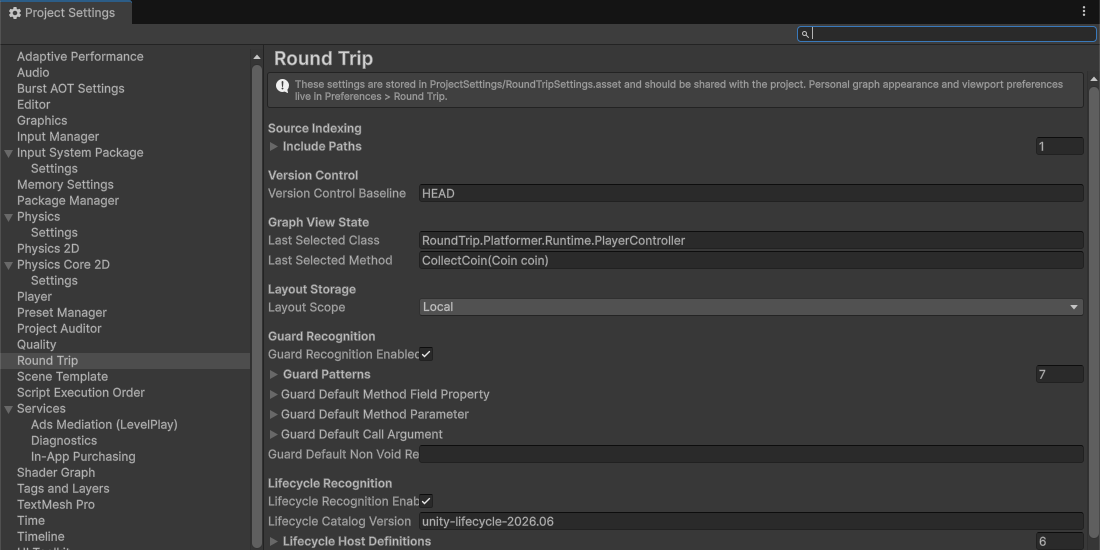
A mixed team
Programmers keep writing C#. Designers build and adjust it as graphs. Both see the same source file.
Understand any script in a minute
Pick a class in the Explorer, pick a method, and the canvas draws it. The white wire is the order things happen. Colored wires carry values. Pills are reads. The right rail names what you are looking at. This is how you check an assistant's work or a downloaded script before you build on it.
The visual language is inspired by Unreal Engine Blueprint, widely regarded as the best visual scripting language in games. Round Trip takes it further. Blueprint graphs run largely on one thread; a Round Trip graph is plain C#, so a method can be a Unity coroutine or an async method, with its yields and awaits drawn on the canvas beside everything else.
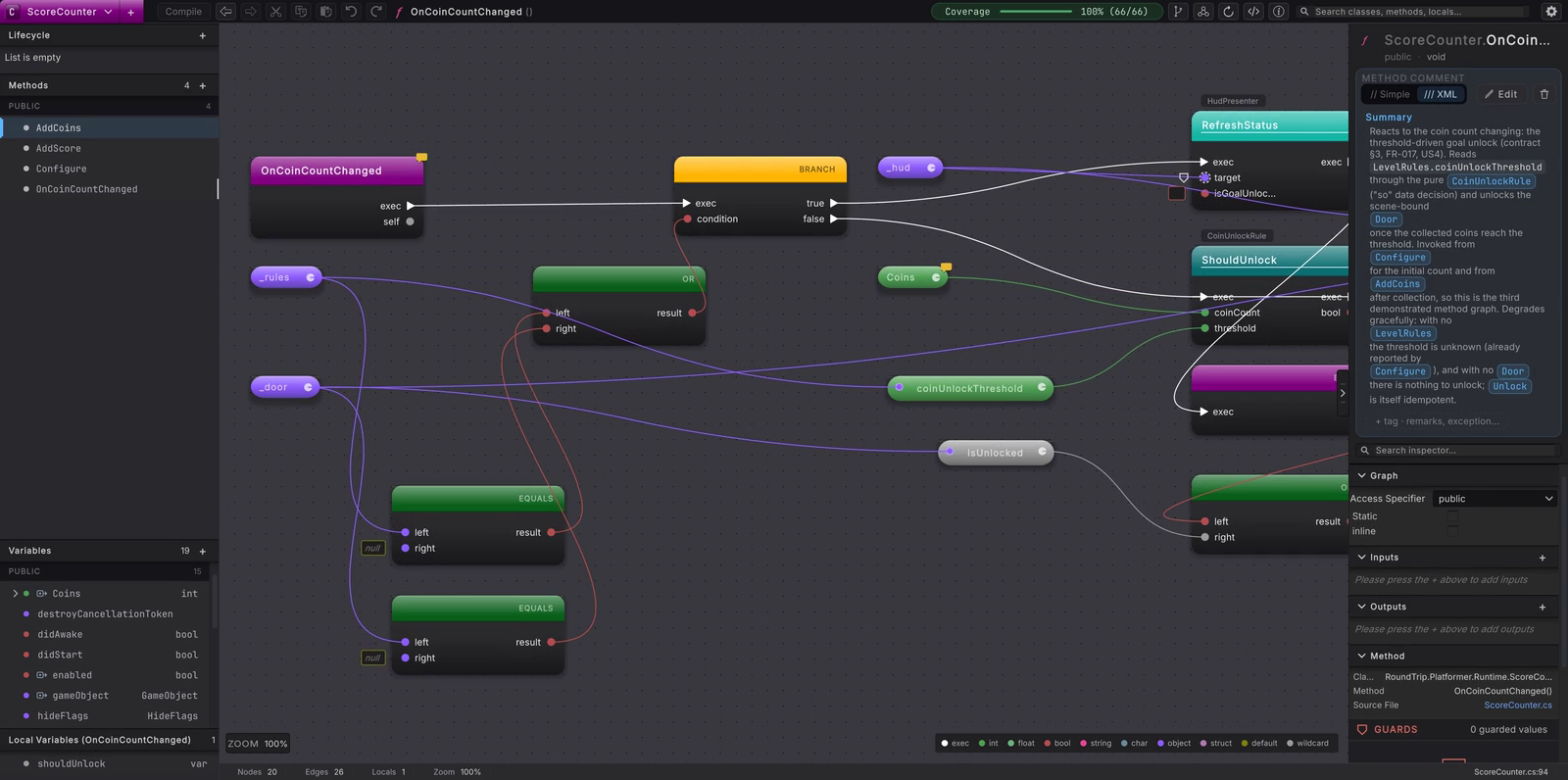
What you get
- Authoring windows for new classes, methods, fields with defaults, lifecycle methods, and guards, all written to C#.
- A canvas where branches, loops, switches, calls, reads, and literals are nodes with typed pins and colored wires.
- Compile: a preview banner while you work, then the smallest C# edit, written atomically and re-parsed.
- An Explorer that lists every class in the folders you choose, with public and private methods grouped and searchable.
- A modified-classes list, diff against HEAD, and per-method revert for reviewing edits from an assistant or a teammate.
- The Platformer example: a playable 2D level whose scripts are the worked examples on every page.
How it is built
Your scripts sit on top. The Unity package underneath them ships as source: the Explorer window, the canvas and rails, the indexer, the menus, and the settings. The parser, layout, and source writer are compiled libraries under that. The canvas itself comes from a shared Bit Quirky graph package.
A complete game level is included
Round Trip ships with the Platformer: a fully working 2D level with coins, enemies, a score, and a locked goal. Play it, open any of its methods on the canvas, read the code behind them, and change the rules. Every example on this site comes from it, and you can keep building on it until it is a game of your own.
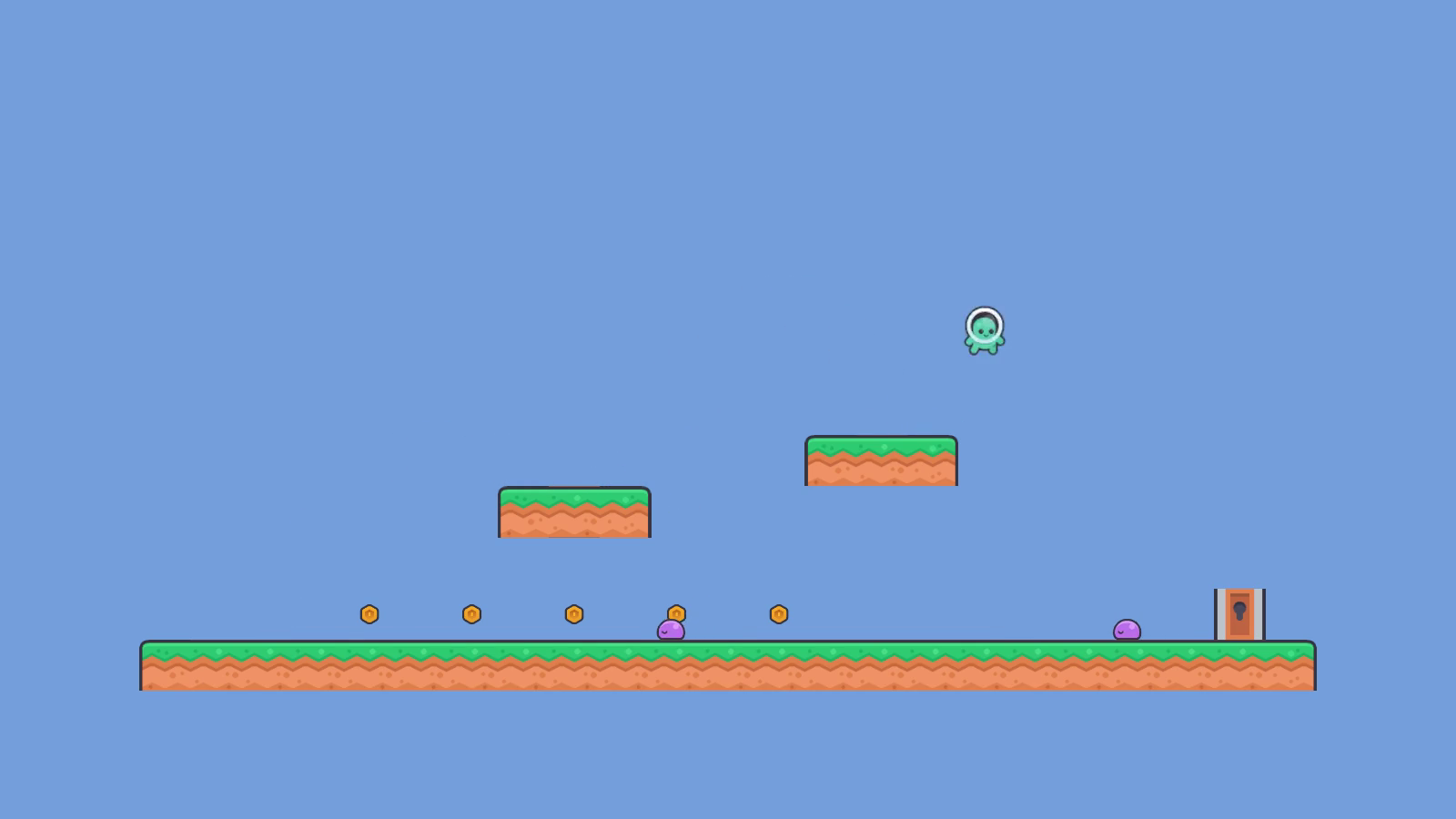
Platformer
Collect coins, stomp an enemy, open the goal. Then open
CollectCoin,StompEnemy, andOnCoinCountChangedon the canvas, change a rule, and press Compile.
Ready to build?
Install the package, make a class and a method from the menu, and Compile your first gameplay rule to C# in one sitting. Already have scripts? Point Round Trip at their folder and open them as graphs.