
Choose your strategy
Pick the version control that fits your Unity project, commit before Round Trip edits your scripts, and know which setup guide to follow.
On this page
Round Trip writes to the real C# files in your project. Some actions write as soon as you confirm them, and Compile clears the canvas undo history when it saves, so a saved change cannot be undone from the canvas. Version control is what makes any change reversible: commit or check in before a session, and you can always get back to the version that worked.
Many solo developers get by without it. Once a tool, or an AI assistant, is editing your scripts, that stops being safe. The setup is one sitting; after that it is a check-in before and after each session.
Already using version control? Commit before you let Round Trip edit, then read What Round Trip adds.
Pick one
Section titled “Pick one”| Choose | When | Guide |
|---|---|---|
| Unity Version Control | You have no version control yet. It is built into Unity Hub and the Editor, handles art and sound files without extra setup, and needs no command line. | Unity Version Control |
| Git | You or your team already use Git. Large files need Git LFS before they are first committed. | Git |
| Diversion or Perforce | Your team already uses one. Round Trip’s Changes list works with both; follow the vendor’s Unity setup. | Diversion, Perforce |
Whichever you choose, add a separate backup of the project’s source folders so a lost computer or repository is not a lost game. A backup is a second copy; it does not replace committing.
The habit
Section titled “The habit”- Commit or check in before a Round Trip session, and before an AI assistant edits your scripts.
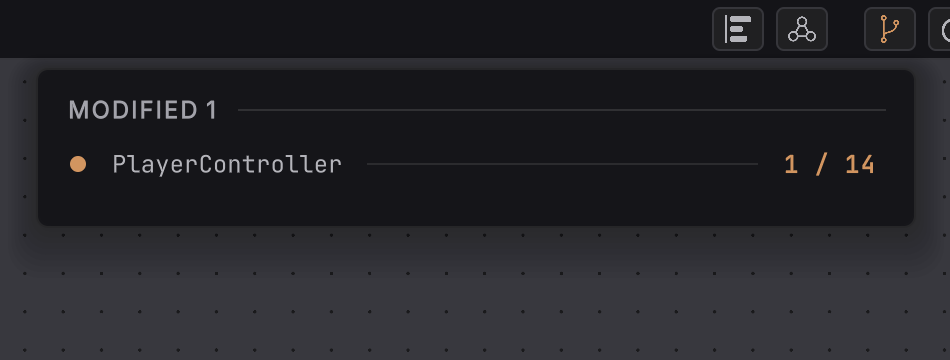
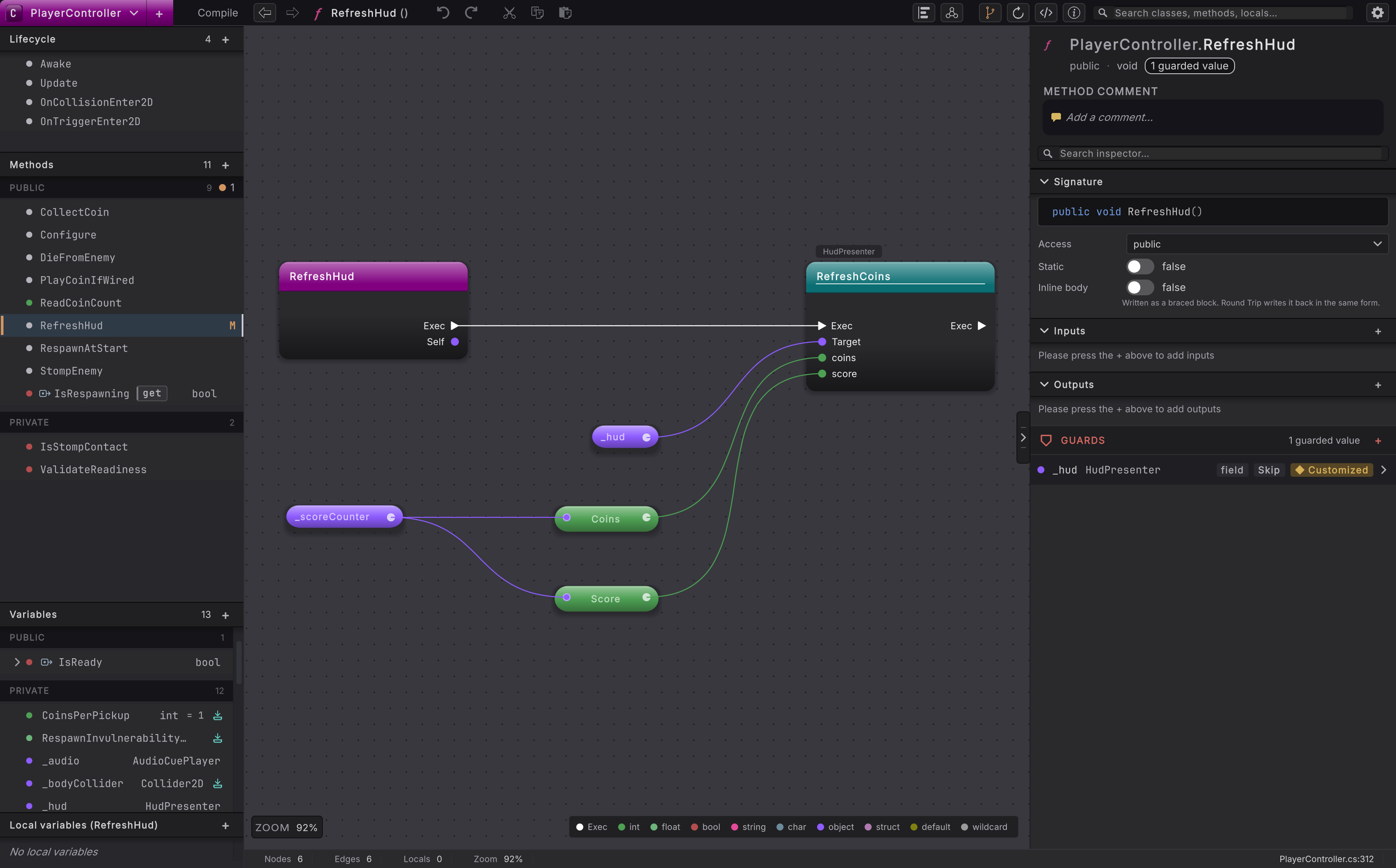
- After the session, open the Changes list in the top rail to see which classes changed, then commit again with a comment that says what works.
- If a change is wrong, restore the file from your last commit. Each guide’s Restore section shows how.
What Round Trip adds
Section titled “What Round Trip adds”Commit ProjectSettings/RoundTripSettings.asset so the team indexes the same folders. Commit the RoundTrip folder only when the team shares layouts. Leave UserSettings out: it holds each person’s own layouts and last open method.
Changes and history covers the Changes list and the method menu step by step.
Review saved source changes
Select a screenshot to enlarge it.
- Unity Version Control: connect from the Hub, check in, go back.
- Git: ignore rules, Git LFS, commit, revert.
- Backups: a second copy of the source folders.
- Check what the AI did: review a change as a diagram, then keep it or go back.