
Edits from outside
Understand how Round Trip notices file changes and protects a draft from concurrent source edits.
On this page
C# can change in an editor, through version control, during a merge, or from a code generator. Round Trip must stop showing the old meaning when that happens.
The problem
Section titled “The problem”A graph draft is based on a particular file timestamp and set of source spans. If another tool changes that file, writing the old draft could overwrite new work or splice text into the wrong range.
When to reach for it
Section titled “When to reach for it”Use this flow whenever a code editor, merge, branch switch, generator, or teammate changes a .cs file while the Round Trip window is open.
See it
Section titled “See it”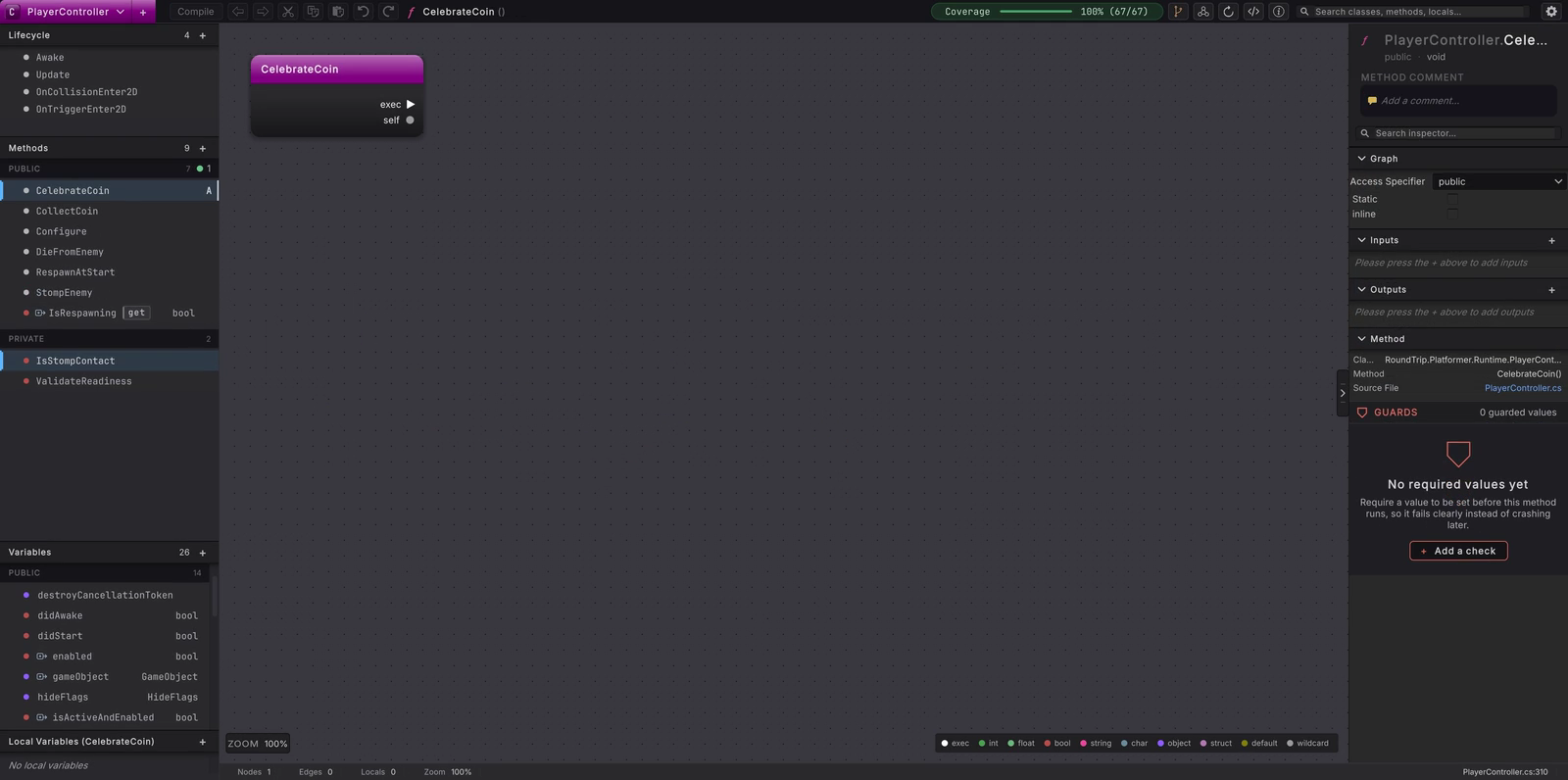
The loop begins in C#, opens the parsed graph, writes a draft, and returns to source.
How changes are noticed
Section titled “How changes are noticed”Files under Assets arrive through Unity’s import path. Registered external source roots use recursive file watchers for changed, created, deleted, and renamed .cs files. Events are deduplicated and collected for 150 milliseconds before indexing work begins.
If Unity is compiling, importing, or otherwise busy, Round Trip waits and retries after 1000 milliseconds. Returning focus to the Unity editor also prompts a source check, which covers watcher events that an operating system or file provider did not deliver.
- Before switching to a code editor, decide whether to keep or discard any pending Round Trip draft.
- Save the C# edit in the external editor.
- Return to Unity. Let Unity import the file and Round Trip re-index it.
- Reopen the class or method. The graph is rebuilt from the latest source, including supported changes and marked unsupported placeholders.
- If you kept a graph draft open while source changed, do not force it through. Read the stale-source message and discard the draft.
- Reapply the intended graph edit against the new source-backed graph, then Compile.
What it writes
Section titled “What it writes”Round Trip does not rewrite an external edit merely because it noticed the file. It re-indexes this source and rebuilds the graph from it:
Concurrent Compile protection
Section titled “Concurrent Compile protection”Immediately before a source mutation, Round Trip compares the file timestamp with the baseline captured for the draft. A mismatch reports:
{file} changed while compiling; discard and try Compile again.
The write is cancelled. The newest external file remains intact, and the draft is not silently rebased onto it. This conservative stop is important because matching method names do not prove that statement spans and declaration trivia still match.
Successful writes use the atomic overwrite path, ask Unity to import and refresh the changed file, and then re-index project types. The graph displayed afterward comes from the new source.
When it goes wrong
Section titled “When it goes wrong”When it goes wrong
| Symptom | Check | Fix |
|---|---|---|
| The graph still shows the prior method | Check whether Unity is compiling or importing. | Wait for the busy state to clear, then return focus to Unity or reopen the method. |
| Compile reports that the file changed | Compare the current source with the draft baseline. | Discard the draft and reapply it to the current graph. |
| A renamed file disappears briefly | Allow the paired delete and create or rename events to settle. | Wait for the 150 ms batch and the following re-index before reopening it. |