
Platformer
Play the sample, then open the methods that turn coins, stomps, score, and enemy state into readable graphs.
On this page
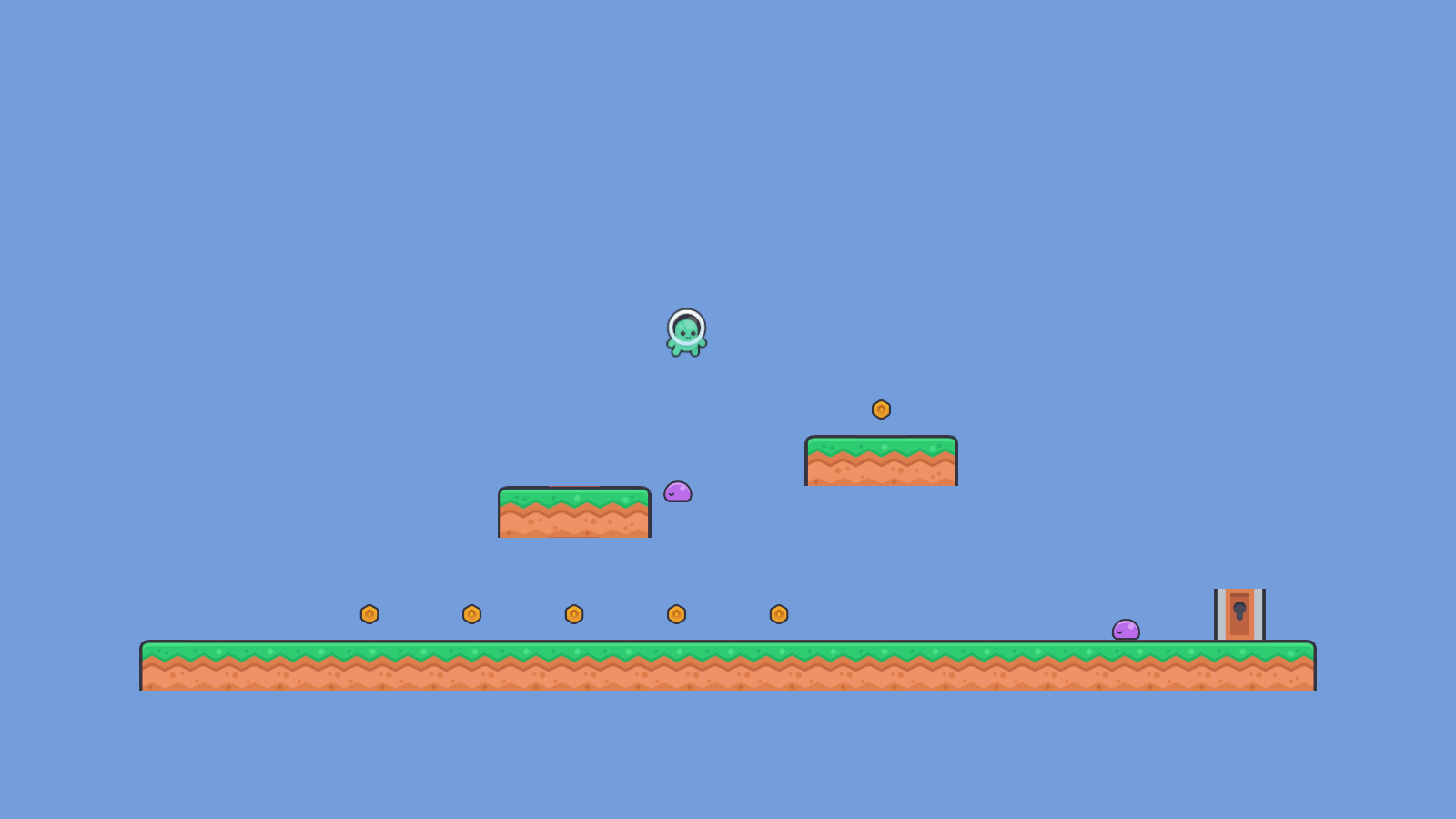
A coin disappears, the score climbs, the door opens, and a stomp turns a walking enemy into a defeated one. The Platformer sample gives you a complete minute of play, then lets you inspect each decision as ordinary C# and as a Round Trip graph.
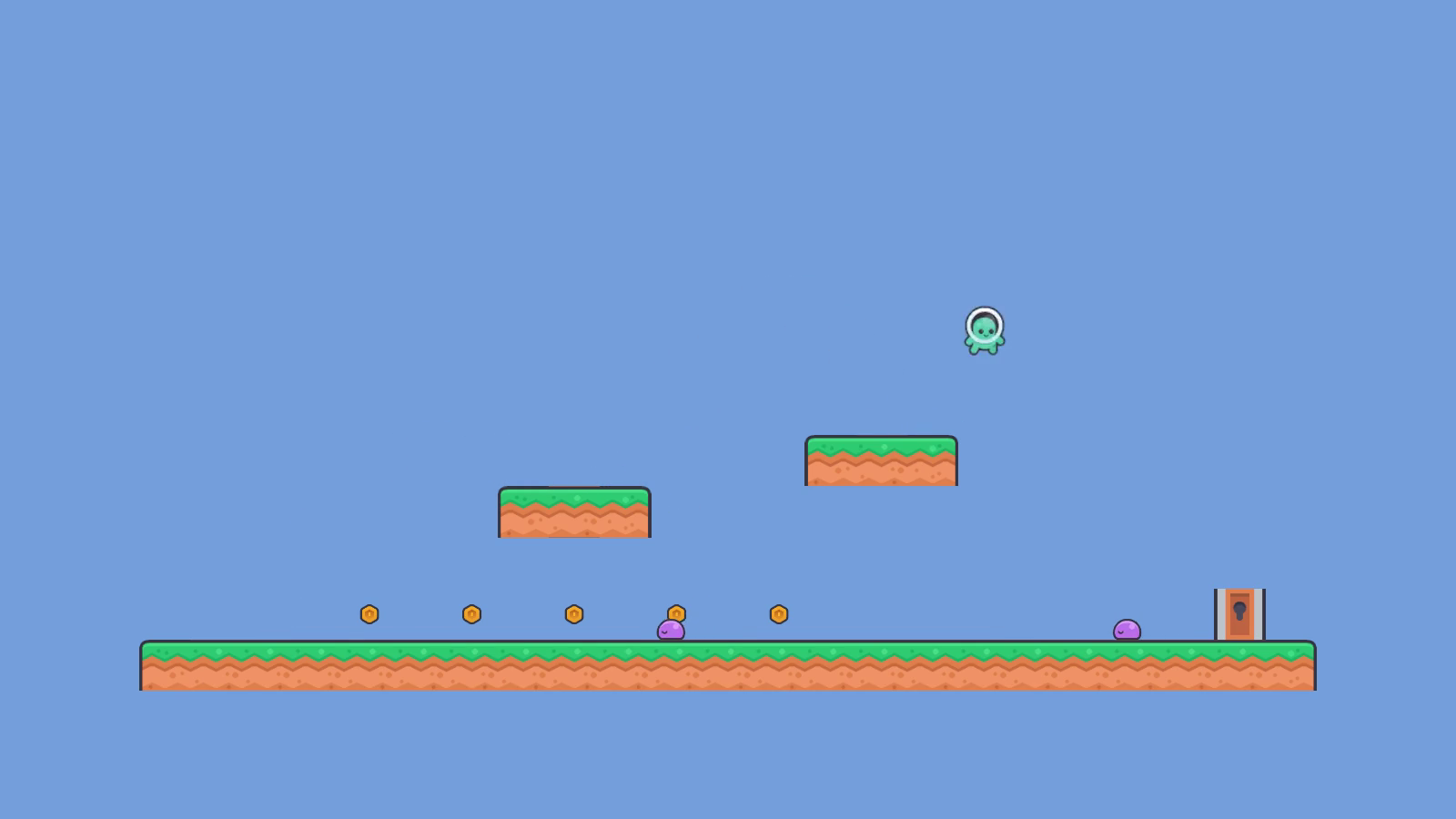
Play it in one minute
1 minute
- Scene
Assets/Platformer/Scenes/Platformer.unity- Select
- Player in the Hierarchy
- Controls
- Arrows or A/D move, Space jumps
- Goal
- Collect coins, stomp enemies, reach the goal
What this game teaches
Section titled “What this game teaches”- Guard clauses stop duplicate collection and missing collaborators before they change state. They also prevent repeat stomps.
- Calls make collaborator boundaries visible: the player calls the coin and score counter, then the HUD, motor and audio service.
- Loops scan collision contacts to decide whether the player is standing on the ground.
- Branches choose score and presentation paths when references are present.
- Switch maps
EnemyStateto patrol and collider behavior, plus the matching visual behavior. - GET and SET show where tunables and current state enter each decision.
Open it in Round Trip
Section titled “Open it in Round Trip”- Open
unity/RoundTrip_Platformerin Unity 6000.5.x, then openAssets/Platformer/Scenes/Platformer.unity. - In the Project window, right-click
Assets/Platformer/Runtime. - Choose Assets > Round Trip > Add Folder to Round Trip.
- Open Tools > Round Trip > Graph View.
- Pick
PlayerController, then chooseCollectCoin(Coin)from the method list.
Graph versus code
Section titled “Graph versus code”| Method to open | What the graph makes easy to see | What to notice in C# |
|---|---|---|
PlayerController.CollectCoin(Coin) |
Guard exits followed by four collaborator calls. | The coin comes from the trigger. Score and HUD are scene references; audio is optional. |
PlayerController.StompEnemy(Enemy) |
A guarded state change, bounce, then nested score and HUD branches. | LevelRules.stompScoreValue supplies the score amount. |
PlayerMotor.UpdateGrounded(Collision2D) |
A for loop checks each contact and returns after the first upward-facing match. |
The grounding threshold separates floor contacts from walls. |
ScoreCounter.OnCoinCountChanged() |
Missing-reference guard, threshold decision, and call to Door.Unlock. |
The threshold comes from LevelRules; the pure CoinUnlockRule owns the decision. |
EnemyStateMachine.ApplyState() |
One switch arm per enemy state. | Each arm calls small helpers for patrol, collision, and visuals. |
Trace one coin
Section titled “Trace one coin”CollectCoin starts with the collision-provided Coin. The first guard rejects null or already collected coins. The second guard checks the scene-bound score counter and HUD. Only then does the method call coin.Collect(), add one coin, refresh the labels, and ask optional audio to play.
That order is the lesson. Each card names one neighbor, and the wires show which values cross the boundary. The graph does not invent a second behavior model; it is the method body you can open in your editor.
Exercises
Section titled “Exercises”The same game, rebuilt without writing code
Section titled “The same game, rebuilt without writing code”The repository also holds unity/Platformer_Tutorial: the same platformer being rebuilt on camera, one episode at a time, with the methods built on the Round Trip canvas instead of typed. It contains only what the published episodes have built so far, starting with LevelRules, PlayerMotor and the composition root, plus script-free prefabs for the tiles, player, coin, enemy and goal door to build from. Use the finished RoundTrip_Platformer when you want to read complete methods; use the tutorial project when you want to follow the build.