
What gets written
See which drafts become focused source splices, whole method bodies, or graph configuration.
On this page
A literal edit should not reformat a class. Round Trip plans source changes at the narrowest span it can prove safe.
The problem
Section titled “The problem”A graph exposes several kinds of information at once. Some belongs in C#, some belongs only to the canvas, and some structural edits require the whole method body to be composed again.
When to reach for it
Section titled “When to reach for it”Use this distinction when reviewing a draft or a source diff. A literal or field default should produce a focused edit. A branch, loop, switch, or handler change may require a complete method body. A node move should produce no C# diff at all.
See it
Section titled “See it”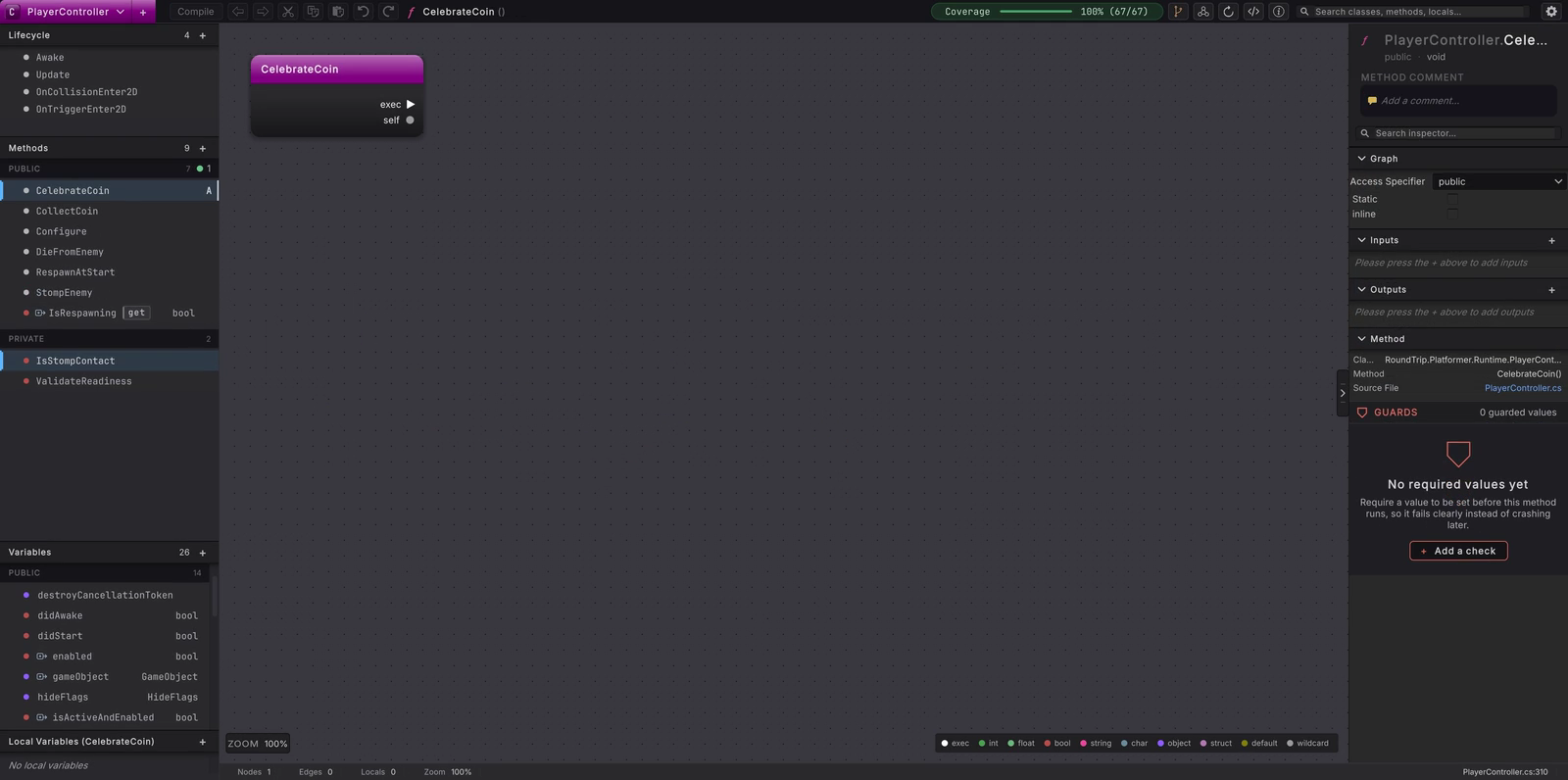
The loop shows a literal draft becoming C# and returning as a parsed graph.
- Make one source-backed change and inspect its preview.
- Check whether the edit changes one token, one declaration, or method structure.
- Review a whole-body preview when control structure changed.
- Press Compile and compare the focused file diff with the unchanged neighboring code.
- Move a node and confirm that the layout change stays out of C#.
Focused source splices
Section titled “Focused source splices”When source spans are current, a small edit replaces only its owning text. This path covers signatures and comments; attributes and field defaults; property declarations and guards; and literals, object references, operators or supported wire and node changes that map to one statement. Existing whitespace and trivia outside that span remain in place.
Declaration authoring follows the same rule. Changing one field initializer replaces that declaration span. Adding a field inserts it after the last field in the class, following the file’s newline and indentation style.
When a Compile adds a method, the Set nodes, returns and throws you built in it are written into that method, found by its name once the declaration is in the file. A GET pill is never a statement of its own: it is written inside whatever it feeds.
Type names and usings
Section titled “Type names and usings”A type chosen for a file that does not import its namespace is written in full first, because that always compiles. Once the Compile has written, each full type name on a line it wrote is shortened and a using for its namespace is added, so Configure(RoundTrip.Platformer.Runtime.LevelRules rules) lands as Configure(LevelRules rules) under using RoundTrip.Platformer.Runtime;.
The shortening happens only where it cannot change what a name means. A name stays in full when the short name is also a type in a namespace the file already reaches, or when the new using would bring a second type for a name the file already uses. Lines that were already in the file are left as their author wrote them.
Whole-body regeneration
Section titled “Whole-body regeneration”Some edits alter method structure. Branch arms, loop bodies, switch sections and exception handlers, plus several statement-order changes, are composed as one body. Before writing, Round Trip requires a complete writable graph and compares composed text with the source it parsed.
After a body replacement, later recorded spans can move. Round Trip runs bounded follow-up reparse rounds before applying another planned splice. If those spans cannot be reconciled, it refuses instead of guessing.
Graph configuration only
Section titled “Graph configuration only”Nothing about layout enters the .cs file: not node positions, viewport position, zoom, reroute knots or folded state. They are saved to the graph configuration associated with that source. The configuration describes presentation, not executable behavior.
What it writes
Section titled “What it writes”A focused literal edit can be as small as one token:
A structural edit can replace a complete body while leaving the signature and neighboring members intact:
The completed file is written through the atomic overwrite path. Unity imports the changed path, then Round Trip re-indexes classes and reloads the graph from source.
When it goes wrong
Section titled “When it goes wrong”When it goes wrong
| Symptom | Check | Fix |
|---|---|---|
| More of the body changes than expected | Look for a structural branch, loop, switch, or handler edit. | Review the whole-body preview before Compile. |
| A follow-up edit refuses after a body change | Look for a message about stale or unresolved source spans. | Let the re-parse finish, then reopen the method and make the next edit. |
| A node move is absent from source | Confirm it changed only layout. | Read it from the graph configuration; layout does not belong in C#. |